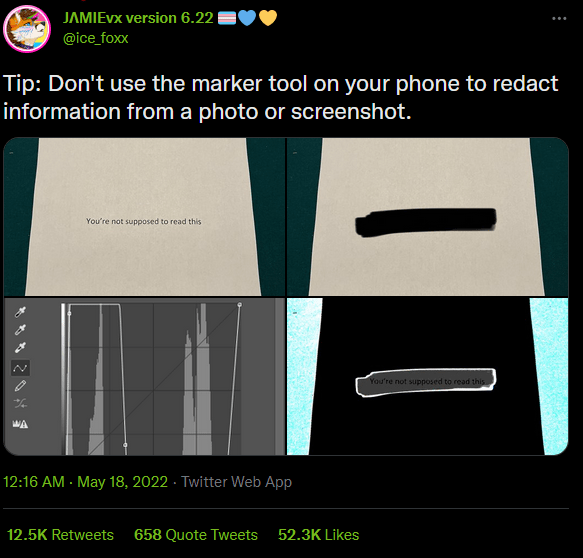
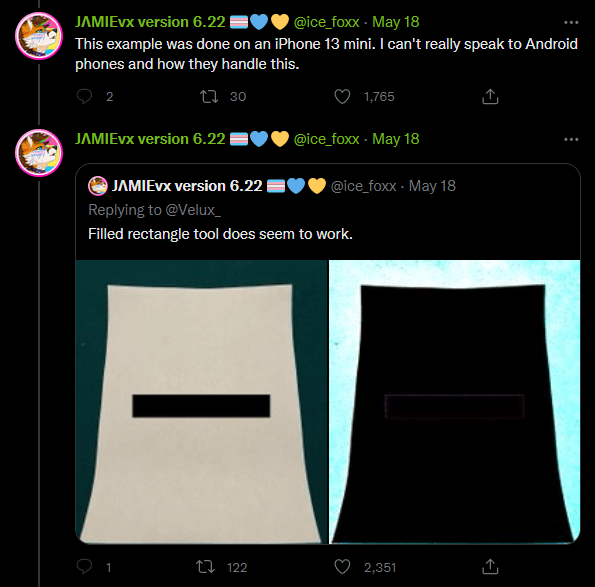
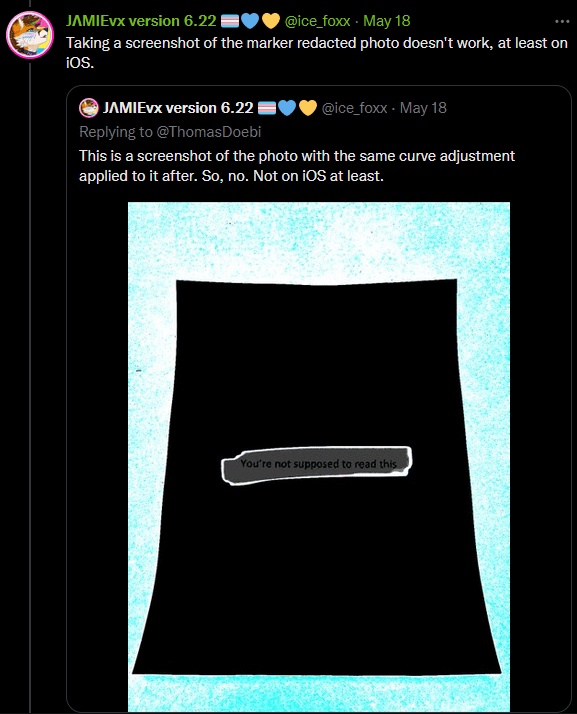
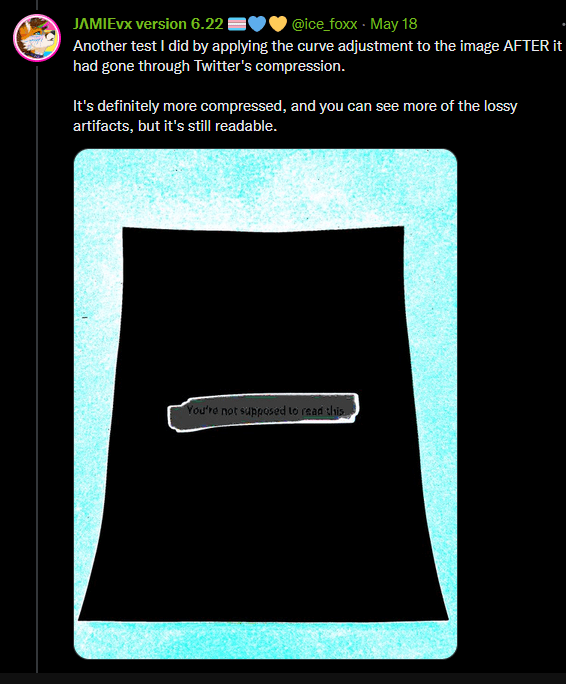
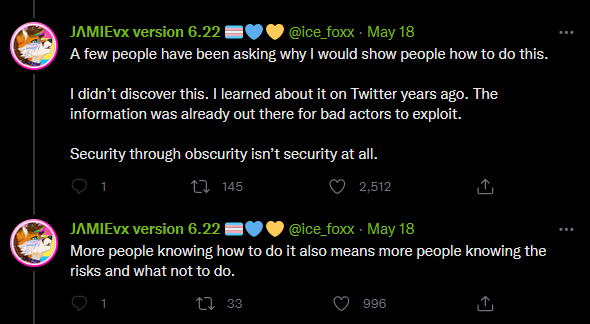
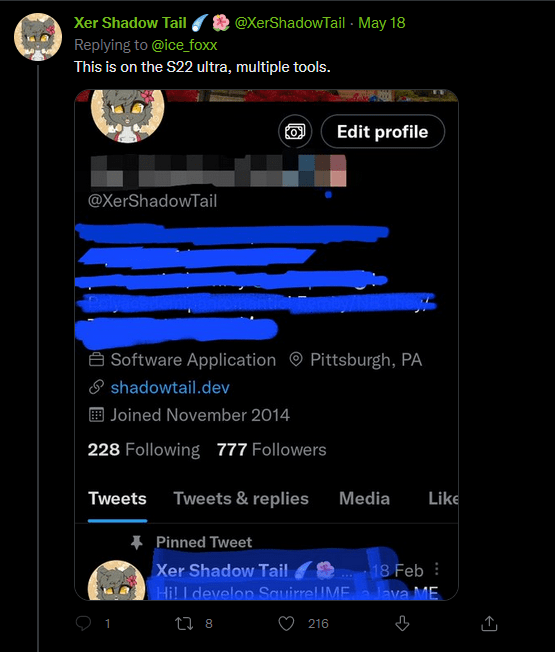
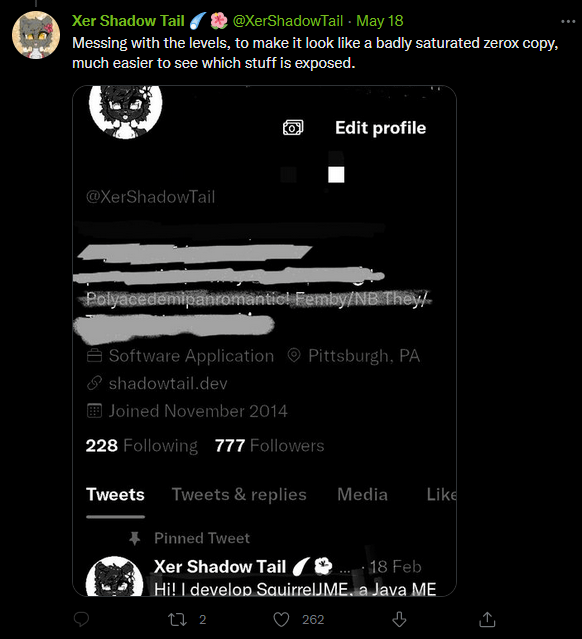
When censoring information out of pictures, do NOT use the marker tool. Block it out with a full filled in square, or use a mosiac filter. Marker tools are not fully opaque and are slightly off from black, which makes it possible to alter the levels and reveal the information underneath.
This is probably good advice anyway, but to reproduce it, it would be helpful to know what platform, and what exact procedure OP used.
For example, on Android there are separate ‘pen’ and ‘highlighter’ tools, which are confusingly similar. But the highlighter makes a mark which is intentionally translucent, whereas the pen mark appears opaque. In the last screenshot, it looks to me like some lines of text were covered with the pen tool, and are not visible, whereas others were covered with the highlighter tool, used repeatedly, and are still partly visible.
Either way, when combined with the Android crop bug – which in some cases / on some devices failed to actually remove the cropped-out pixels from the image file – I would say you should just never trust phone-app editing software to remove truly secret information from an image.
Tags:
#PSA #disappointed permanent resident of The Future #stalking cw #this probably deserves some other warning tag but I am not sure what #this post was queued because my to-reblog list is too long and I didn’t want to dump it on you all at once