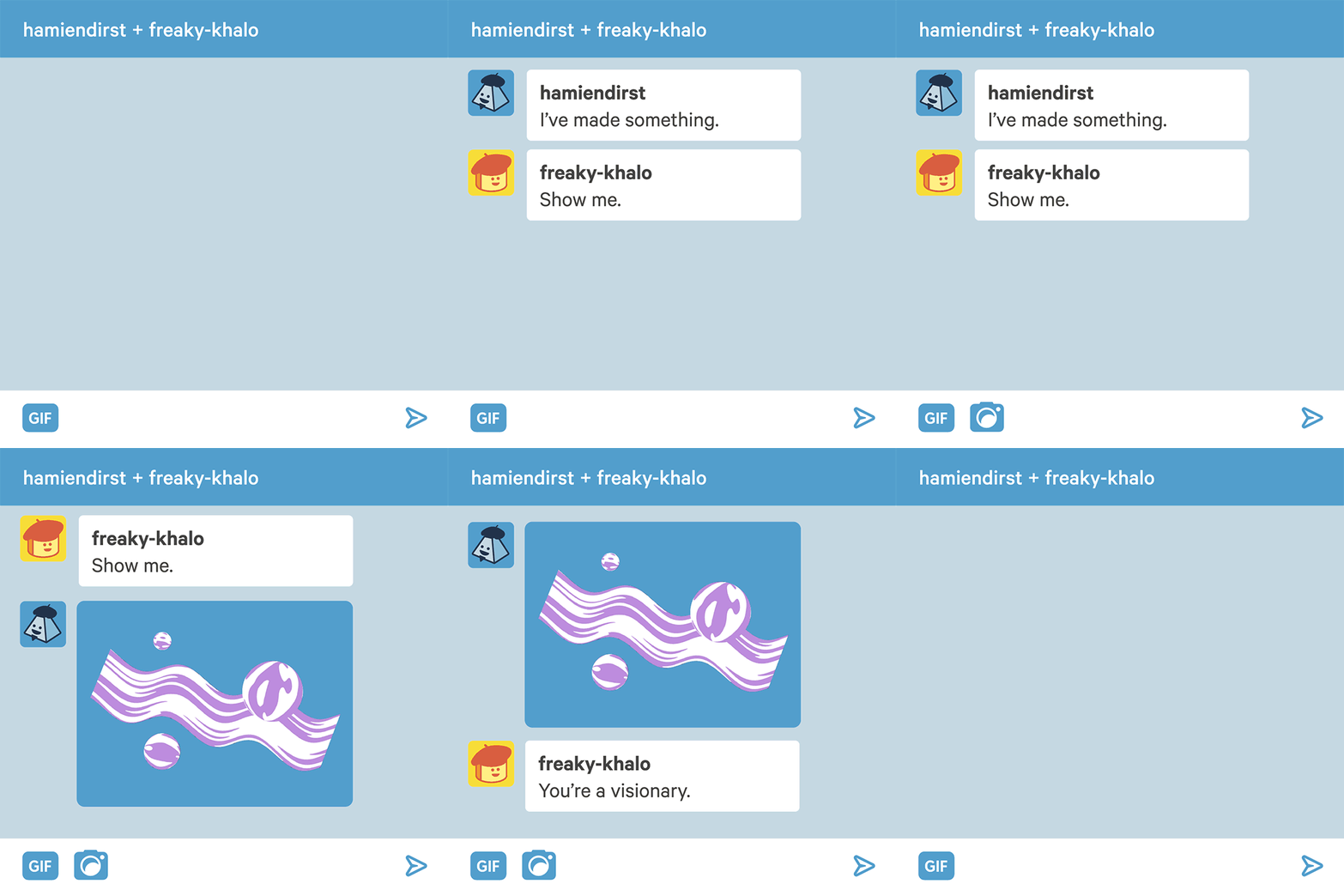
Now you can send pictures in messaging
How?
- Open a conversation.
- Tickle that new camera button next to gif search.
- Choose an image and send.
Whoosh. Off it goes. No post required.
Bonus thing: if you’re on the web, you can just drag the image right onto the conversation. No clicking. How ‘bout that.
Thanks, Staff!
We’d also like to point out a helpful little item: If you don’t follow someone, the images they send you will be blurred out. Just so there are no surprises.
Once you tap or click the photo, the blur goes away—and any future photos from that Tumblr will send in the clear.
You can’t re-blur a photo, but you can block the sender if you don’t want to receive any more messages or images. Open the menu (the three dots) at the top right of the conversation and hit block.
Tags:
#The Great Tumblr Apocalypse #the more you know

